windows VPN(2026)

Learn what Windows’ built-in VPN settings do, how to connect, and how to choose a VPN provider for your PC.
A Windows VPN connection routes your device’s internet traffic through a VPN service or an organization’s network. Windows has built-in settings to create and manage VPN connections, but those settings are not, by themselves, a consumer VPN service. To get connected, you’ll need details from your employer, school, network administrator, or VPN provider, or its app.
Compare Windows VPN options
| Option | What it is | Setup effort | Best for | Main limitation |
|---|---|---|---|---|
| Windows built-in VPN client | VPN connection settings in Windows | Manual configuration | Connecting to a VPN service or workplace | Requires a VPN provider and connection details |
| Commercial VPN app | Provider’s Windows application | Usually simple | Everyday privacy and convenient server switching | Features and service quality vary by provider |
| Workplace VPN | Employer-managed connection | Follow workplace instructions | Accessing work resources remotely | Access and settings are controlled by the employer |
| School VPN | Institution-managed connection | Follow school instructions | Reaching school networks or resources | Availability and access rules vary |
| Router VPN | VPN configured on a compatible router | Router configuration | Covering multiple devices on a network | May be harder to configure and manage |
| Browser proxy | Proxy used by a browser | Browser-specific setup | Routing browser traffic through a proxy | Does not protect all device traffic like a VPN |
Compiled November 2026; check the provider's site for current details.
| VPN | Obfuscation | From / month | Plan | Free plan | Refund | Alipay | UnionPay | Crypto | Website opens in China | Trustpilot | |
|---|---|---|---|---|---|---|---|---|---|---|---|
 Proton VPN | Turn on manually Stealth, free plan too | $2.99/mo | 12 months: $35.88 | Yes | 30 days | ✗ | ✗ | ✗ | ✓ | ✗ Blocked | 2.1/5 (1,040 reviews) |
 ZoogVPN | Turn on manually Shadow | $2.49/mo | 27 months: $59.99 | Yes | 7 days | ✓ | ✓ | ✓ | ✓ | Official site blocked; our special link opens (4.4 s) | 4.2/5 (195 reviews) |
 NordVPN | Turn on manually Obfuscated Servers / NordWhisper | $3.49/mo | 27 months: $94.23 | No | 30 days | ? | ✗ | ✓ | ✓ | ✗ Blocked | 4.2/5 (51,628 reviews) |
 ExpressVPN | ✓ On by default all servers | $3.00/mo | 28 months: $84 | No | 30 days | ✗ | ✗ | ✓ | ✗ | ✗ Blocked | 4.4/5 (29,706 reviews) |
 Surfshark | ✓ On by default Camouflage, with OpenVPN | See site | See site | No | 30 days | ✗ | ✗ | ✗ | ✓ | ✗ Blocked | 4.3/5 (31,823 reviews) |
 Astrill VPN | Turn on manually StealthVPN / OpenWeb | $12.50/mo | 24 months: $300 | No | See site | ✗ | ✗ | ✗ | ✓ | ✗ Blocked | 1.3/5 (110 reviews) |
 Private Internet Access | Turn on manually Shadowsocks, OpenVPN only | $2.03/mo | 40 months: $81.2 | No | 30 days | ✗ | ✗ | ✗ | ✗ | ✗ Blocked | 4.2/5 (11,033 reviews) |
 CyberGhost | Turn on manually selected servers | $2.19/mo | 28 months: $61.32 | No | 45 days | ✗ | ✗ | ✗ | ✓ | ✗ Blocked | 4.0/5 (24,178 reviews) |
 PureVPN | Turn on manually switch to OpenVPN | $1.69/mo | 60 months: $101.55 | No | 31 days | ? | ? | ✗ | ✓ | ✗ Blocked | 4.4/5 (17,994 reviews) |
 AdGuard VPN | ✓ On by default TrustTunnel | $2.99/mo | 24 months: $71.76 | Yes | 30 days | ✓ | ✗ | ✓ | ✓ | Official site blocked; our special link opens (3.7 s) | 4.3/5 (290 reviews) |
 Mullvad | Turn on manually QUIC / Shadowsocks / LWO | $5.61/mo | €5/mo | No | 14 days | ✗ | ✗ | ✗ | ✓ | ✗ Blocked | 3.2/5 (192 reviews) |
 Windscribe | Turn on manually Stealth / WStunnel | $5.75/mo | 12 months: $69 | Yes | See site | ✗ | ✗ | ✗ | ✓ | ✗ Blocked | 4.7/5 (13,355 reviews) |
 StrongVPN | Turn on manually Scramble, OpenVPN TCP | See site | See site | No | 30 days | ✓ | ✗ | ✗ | ✗ | ✗ Blocked | 4.4/5 (2,695 reviews) |
 LightXtreme 闪连 | Not listed | $7.08/mo | 12 months: $84.99 | Yes | 30 days | ✓ | ✓ | ✓ | ✓ | ✓ Yes (3.5 s) | No page |
Prices checked 2026-11-10 on each vendor's pricing page (cheapest long plan, USD). Check the vendor's checkout for the final price.
Obfuscation checked 2026-11-14 on each vendor's site and help center: "on by default" = nothing to set; "turn on manually" = switch protocol or mode in settings; "not listed" = the vendor describes no obfuscation.
Payment methods checked 2026-11-10 on each vendor's payment pages: all 14 take cards and PayPal; ✗ = not listed, ? = the vendor's own pages disagree.
China access: whether the official website opens from mainland China networks (tests the website only, not the VPN connection). Last checked 2026-11-18 01:02 Beijing time.
Trustpilot score and review count checked 2026-11-10.
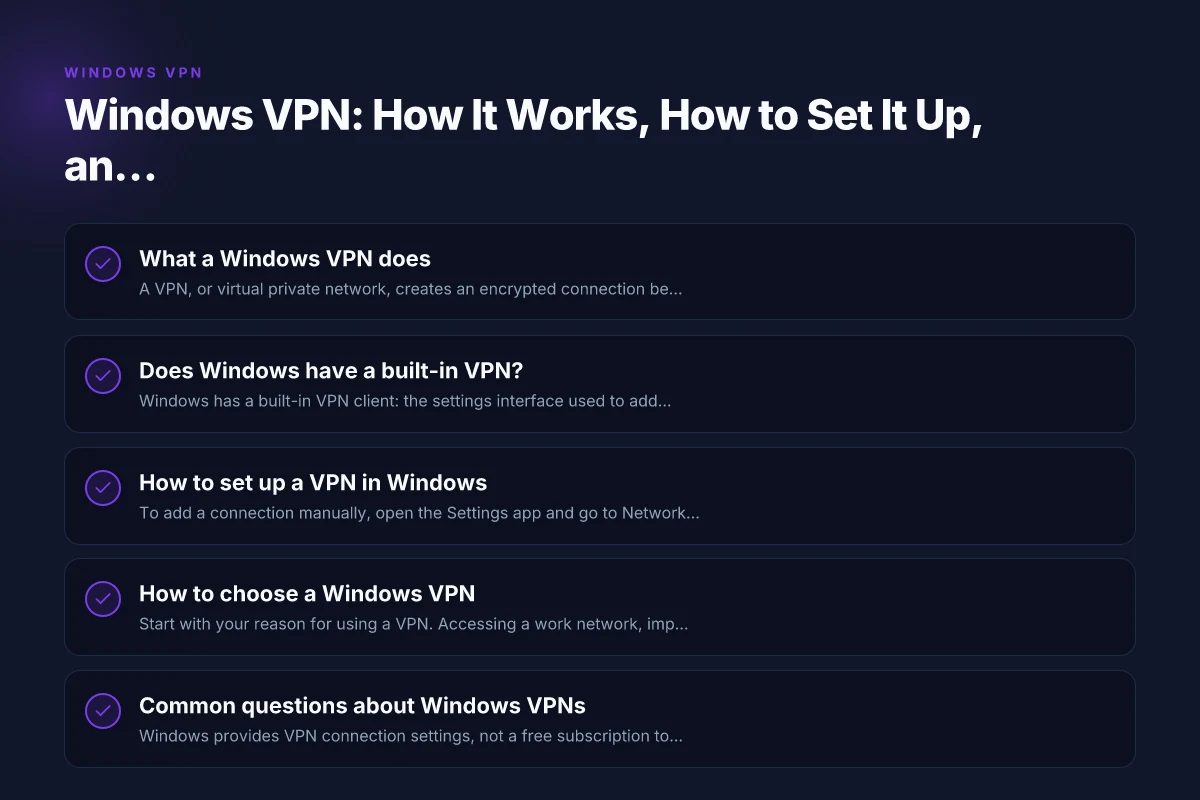
What a Windows VPN does
A VPN, or virtual private network, creates an encrypted connection between your device and a VPN server. When it is active, websites and online services generally see the server’s IP address rather than your regular public IP address. A VPN can also help protect traffic on networks you do not trust.
A VPN does not make you completely anonymous or protect against every online threat. The VPN provider may be able to see or process some connection information, and websites can still identify you through account sign-ins, cookies, or other tracking methods. A VPN is also different from antivirus software.
Does Windows have a built-in VPN?
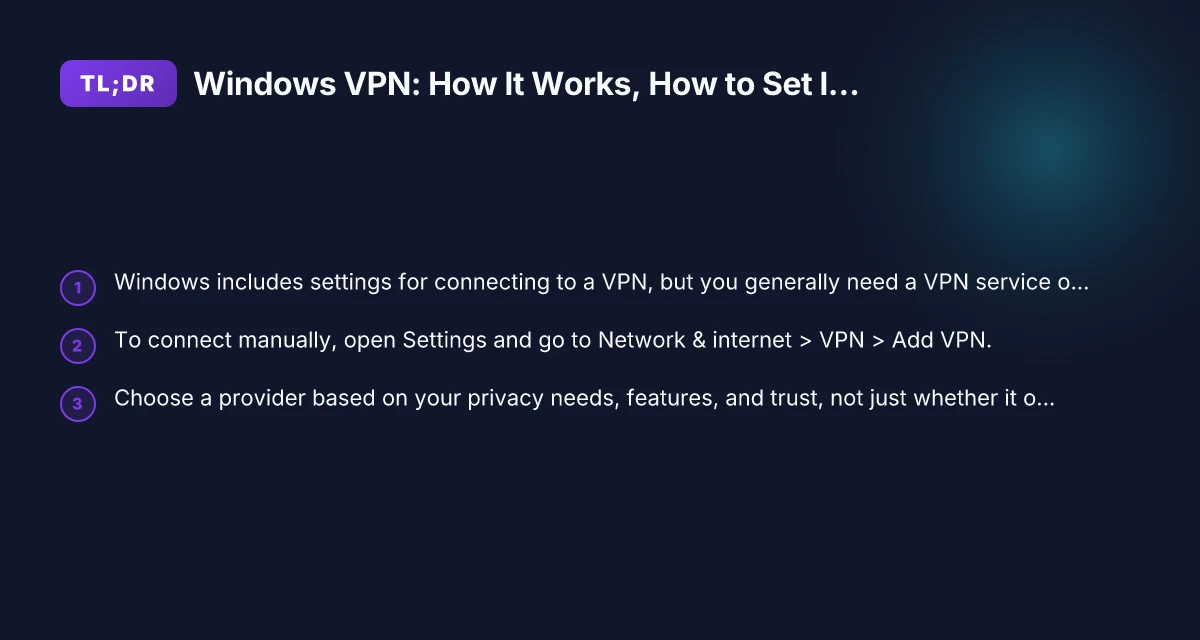
Windows has a built-in VPN client: the settings interface used to add, connect to, and manage compatible VPN connections. It does not automatically provide a VPN subscription, servers, or a general-purpose service for browsing privately.
You need connection information from a VPN provider or organization. Depending on the service, you may be able to enter those details in Windows manually, or install the provider’s Windows app, which may configure and manage the connection for you. free VPN for microsoft edge(2026)
| Option | What it provides | Best suited to |
|---|---|---|
| Windows VPN settings | A way to configure compatible VPN connections using supplied details | Work, school, or manual setups |
| VPN provider’s Windows app | A provider-managed connection, often with additional controls | Personal VPN subscriptions |
| No VPN service or connection details | No VPN connection, even if the Windows settings are available | Not a way to browse through a VPN |
Windows built-in VPN vs. VPN app
| Comparison point | Windows built-in VPN | Commercial VPN app |
|---|---|---|
| VPN provider included | No | Usually included with a subscription |
| Connection setup | Enter connection details manually | Sign in and choose a server |
| Protocol and server details | Supplied by the VPN provider or administrator | Commonly selected in the app |
| Server switching | Change connection settings manually | Usually available in the app |
| Extra provider features | No | May include additional privacy tools |
| Workplace access | Supported when configured | Depends on workplace compatibility |
| Provider account | Required for a VPN service | Required |
| Best suited to | Existing VPN credentials and manual control | Easier setup and provider-managed features |
Compiled November 2026; check the provider's site for current details.
How to set up a VPN in Windows
To add a connection manually, open the Settings app and go to Network & internet > VPN > Add VPN. Microsoft’s instructions use this route to set up a VPN connection in Windows.
You’ll need the required setup information, which may include the VPN provider or connection name, server address, VPN type, and sign-in details. Your provider or network administrator should tell you which options to select and what information to enter. edge secure network VPN review(2026)
After you save the connection:
- Open Settings > Network & internet > VPN.
- Select the connection you added.
- Choose Connect and enter any requested credentials.
The precise options can vary by Windows version, VPN type, and provider. If you do not have the required server and account information, adding a connection in Settings will not create a working VPN service.
Use a provider’s app instead
Many consumer VPN services offer a Windows app. You typically install the app, sign in, choose a server or location, and connect. This can be simpler than entering connection settings manually, especially when the provider manages its own server list and connection features.
For example, Proton VPN offers a Windows app described as open source and designed for straightforward use. Compare the provider’s current app details and terms before choosing a service. forticlient VPN windows 11(2026)
How to choose a Windows VPN
Start with your reason for using a VPN. Accessing a work network, improving privacy on public Wi-Fi, and choosing a server location are different needs. Check that the service supports your Windows version and offers the connection method or features you require.
Consider these factors:
- Privacy practices: Read the provider’s privacy policy and learn what information it collects and retains.
- Security: Check which connection protocols and security protections the provider supports.
- Ease of use: Decide whether you want a provider app or prefer configuring Windows yourself.
- Useful features: Look for options relevant to you, such as automatic connection behavior or a kill switch, and confirm they are available on Windows.
- Free-plan limits: Review any restrictions and the provider’s terms. “Free” does not automatically mean unlimited or suitable for every purpose.
- Trust and support: Check who operates the service, how it explains its policies, and how you can get help.
Avoid choosing a VPN solely because its service is free or its marketing promises complete anonymity. A VPN shifts some trust from your internet provider or local network to the VPN operator. It does not remove the need to evaluate who handles your data.
Choose a Windows VPN: questions to check VPN for edge(2026)
| Check | What to look for | Why it matters | Good fit |
|---|---|---|---|
| Windows compatibility | A supported Windows app or configuration | Ensures it works on your device | Your Windows version is supported |
| Setup method | Clear app instructions or connection details | Helps you get connected correctly | Steps match your technical comfort |
| Server access | Locations and switching options that suit your needs | Affects where you can connect | Locations meet your use case |
| Privacy policy | Plain-language explanation of data handling | Shows what the provider says it collects | Policies are clear and suitable |
| Connection features | Options relevant to your use, such as protocol choice | Helps match the service to your requirements | Needed features are supported |
| Cost and terms | Price, renewal terms, and cancellation conditions | Avoids surprises after signup | Terms fit your budget |
| Support | Help guides and contact options | Useful when setup or connection fails | Assistance is available when needed |
| Work or school access | Compatibility with organization instructions | Consumer VPNs may not replace managed access | The required network allows it |
Compiled November 2026; check the provider's site for current details.
Common questions about Windows VPNs
Is a VPN free for Windows?
Windows provides VPN connection settings, not a free subscription to a commercial VPN service. Some providers advertise free plans, but features and terms differ. Review the current details directly with the provider before installing an app or creating an account.
Can a VPN make you invisible online?
No. A VPN can hide your regular public IP address from websites and encrypt the connection to the VPN server, but it cannot prevent every form of tracking. The VPN provider also becomes an important party to trust. The FBI or other parties may still obtain information through other means. A VPN should not be treated as a guarantee against investigation or identification.
Why can’t I connect?
Check that your internet connection works, your username and password are correct, and the server and VPN type match the information from your provider or administrator. If you use a VPN app, update it and consult the provider’s troubleshooting guidance. For a work or school VPN, contact the organization’s IT support. chrome urban VPN(2026)
Recommendation
For work or school access, use the setup instructions and connection details supplied by your organization. For personal use, compare reputable providers and consider their Windows app if you want a simpler setup. Use Windows’ built-in VPN settings when you have compatible connection details and prefer to configure the connection yourself.