Microsoft Edge Secure Network VPN Reviews: Is It Safe and Worth Using?
Reviews of Edge Secure Network explain what it protects, its limits, and when to choose a full VPN instead.
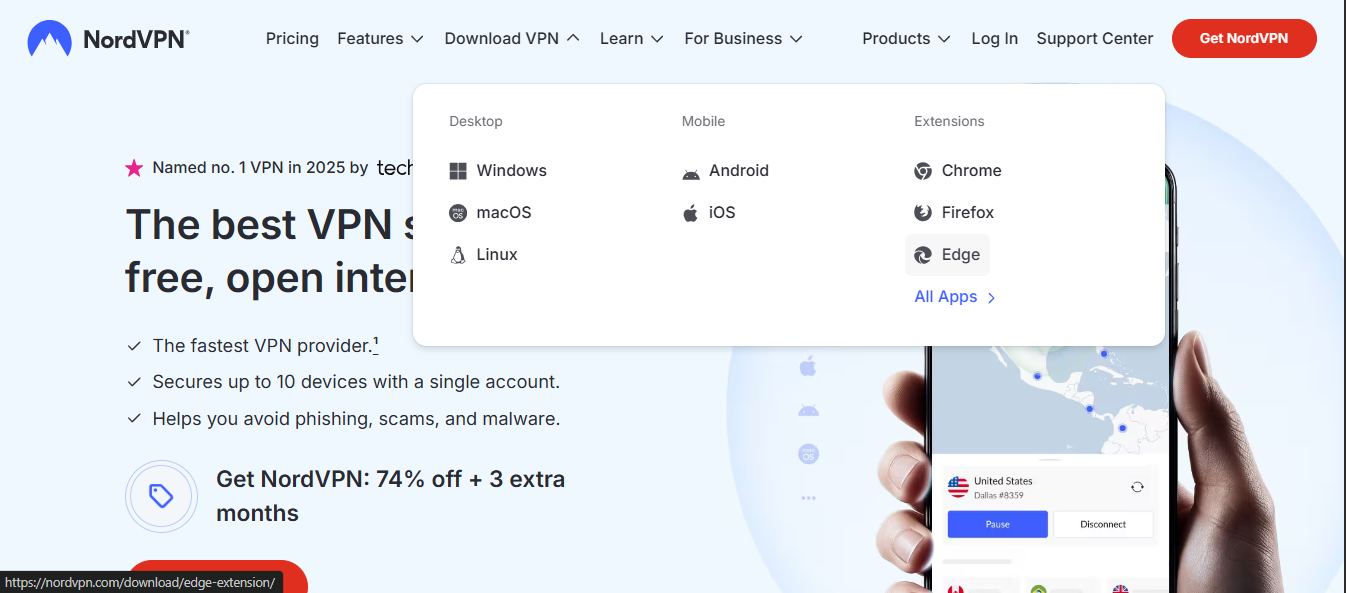
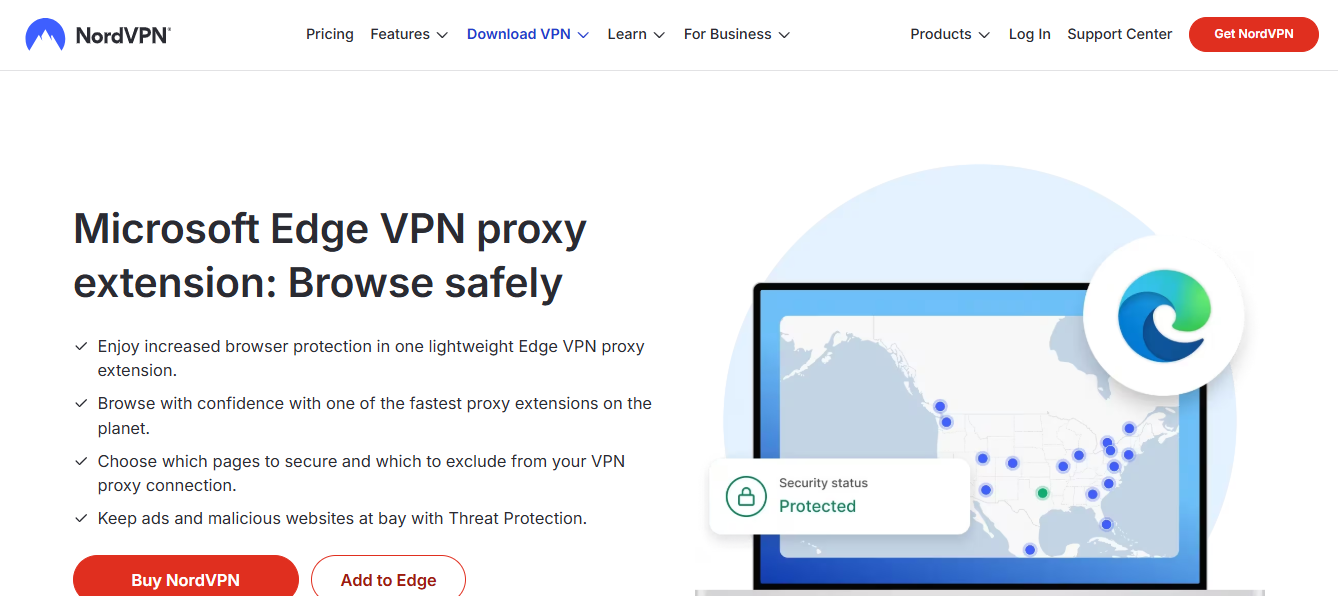
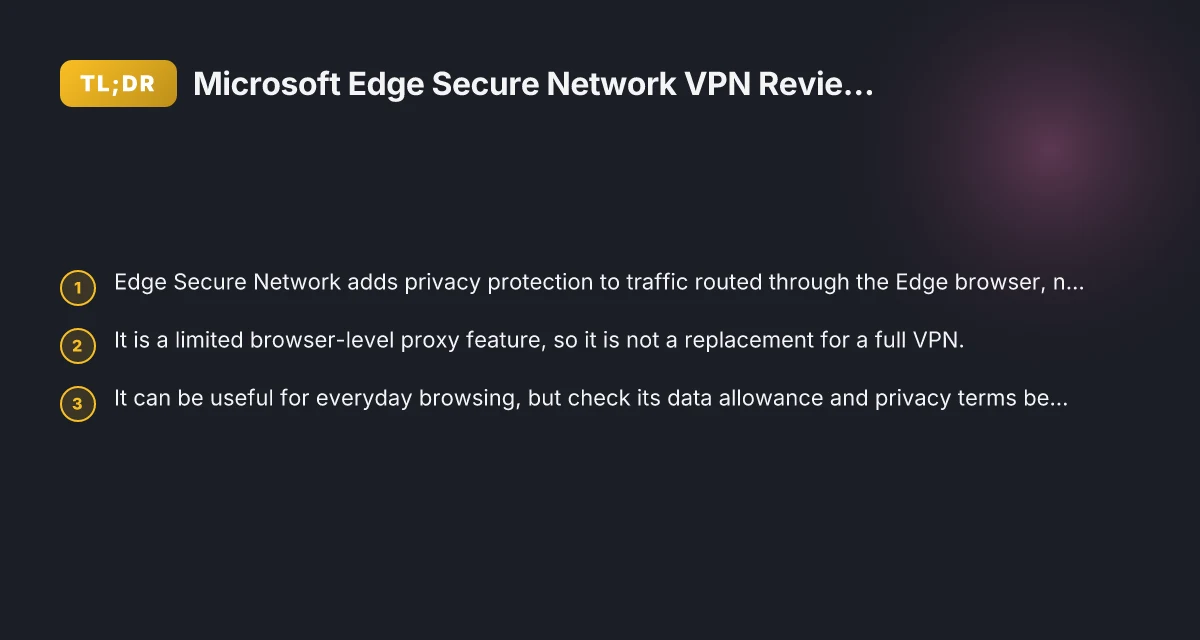
Microsoft Edge Secure Network can add a layer of privacy to web traffic in Edge, but reviews point to an important limitation: it does not protect every app or connection on your device. The feature is often described as Edge’s built-in VPN, yet it works more like a browser-level privacy proxy than a traditional, system-wide VPN. It may suit basic browsing protection, but it is not the right choice if you need comprehensive device coverage, a dependable way to hide your IP in every situation, or advanced VPN features.
At-a-glance comparison of Edge Secure Network and a standalone VPN
| Factor | Edge Secure Network | Standalone VPN |
|---|---|---|
| Availability | Built into Microsoft Edge | Requires a separate service or app |
| Coverage | Edge browser traffic | May cover all device traffic |
| Account required | Microsoft account | Depends on provider |
| Data allowance | Limited monthly allowance | Depends on plan |
| Server choice | Limited controls | Often offers server selection |
| Best suited for | Basic browsing privacy in Edge | Broader privacy and location needs |
Compiled November 2026; check the provider's site for current details.
| VPN | Obfuscation | From / month | Plan | Free plan | Refund | Alipay | UnionPay | Crypto | Website opens in China | Trustpilot | |
|---|---|---|---|---|---|---|---|---|---|---|---|
 ZoogVPN | Turn on manually Shadow | $2.49/mo | 27 months: $59.99 | Yes | 7 days | ✓ | ✓ | ✓ | ✓ | Official site blocked; our special link opens (4.4 s) | 4.2/5 (195 reviews) |
 NordVPN | Turn on manually Obfuscated Servers / NordWhisper | $3.49/mo | 27 months: $94.23 | No | 30 days | ? | ✗ | ✓ | ✓ | ✗ Blocked | 4.2/5 (51,628 reviews) |
 ExpressVPN | ✓ On by default all servers | $3.00/mo | 28 months: $84 | No | 30 days | ✗ | ✗ | ✓ | ✗ | ✗ Blocked | 4.4/5 (29,706 reviews) |
 Surfshark | ✓ On by default Camouflage, with OpenVPN | See site | See site | No | 30 days | ✗ | ✗ | ✗ | ✓ | ✗ Blocked | 4.3/5 (31,823 reviews) |
 Proton VPN | Turn on manually Stealth, free plan too | $2.99/mo | 12 months: $35.88 | Yes | 30 days | ✗ | ✗ | ✗ | ✓ | ✗ Blocked | 2.1/5 (1,040 reviews) |
 Astrill VPN | Turn on manually StealthVPN / OpenWeb | $12.50/mo | 24 months: $300 | No | See site | ✗ | ✗ | ✗ | ✓ | ✗ Blocked | 1.3/5 (110 reviews) |
 Private Internet Access | Turn on manually Shadowsocks, OpenVPN only | $2.03/mo | 40 months: $81.2 | No | 30 days | ✗ | ✗ | ✗ | ✗ | ✗ Blocked | 4.2/5 (11,033 reviews) |
 CyberGhost | Turn on manually selected servers | $2.19/mo | 28 months: $61.32 | No | 45 days | ✗ | ✗ | ✗ | ✓ | ✗ Blocked | 4.0/5 (24,178 reviews) |
 PureVPN | Turn on manually switch to OpenVPN | $1.69/mo | 60 months: $101.55 | No | 31 days | ? | ? | ✗ | ✓ | ✗ Blocked | 4.4/5 (17,994 reviews) |
 AdGuard VPN | ✓ On by default TrustTunnel | $2.99/mo | 24 months: $71.76 | Yes | 30 days | ✓ | ✗ | ✓ | ✓ | Official site blocked; our special link opens (3.7 s) | 4.3/5 (290 reviews) |
 Mullvad | Turn on manually QUIC / Shadowsocks / LWO | $5.61/mo | €5/mo | No | 14 days | ✗ | ✗ | ✗ | ✓ | ✗ Blocked | 3.2/5 (192 reviews) |
 Windscribe | Turn on manually Stealth / WStunnel | $5.75/mo | 12 months: $69 | Yes | See site | ✗ | ✗ | ✗ | ✓ | ✗ Blocked | 4.7/5 (13,355 reviews) |
 StrongVPN | Turn on manually Scramble, OpenVPN TCP | See site | See site | No | 30 days | ✓ | ✗ | ✗ | ✗ | ✗ Blocked | 4.4/5 (2,695 reviews) |
 LightXtreme 闪连 | Not listed | $7.08/mo | 12 months: $84.99 | Yes | 30 days | ✓ | ✓ | ✓ | ✓ | ✓ Yes (3.5 s) | No page |
Prices checked 2026-11-10 on each vendor's pricing page (cheapest long plan, USD). Check the vendor's checkout for the final price.
Obfuscation checked 2026-11-14 on each vendor's site and help center: "on by default" = nothing to set; "turn on manually" = switch protocol or mode in settings; "not listed" = the vendor describes no obfuscation.
Payment methods checked 2026-11-10 on each vendor's payment pages: all 14 take cards and PayPal; ✗ = not listed, ? = the vendor's own pages disagree.
China access: whether the official website opens from mainland China networks (tests the website only, not the VPN connection). Last checked 2026-11-18 01:02 Beijing time.
Trustpilot score and review count checked 2026-11-10.
What is Microsoft Edge Secure Network?
Secure Network is a privacy feature built into Microsoft Edge. It routes supported browser traffic through a privacy service, helping protect that traffic from exposure on the network you are using. That can be useful when browsing on an unfamiliar public Wi-Fi connection.
Despite the “VPN” label used in some discussions, the key distinction is scope. A traditional VPN generally routes traffic from a device or selected apps through a VPN connection. Edge Secure Network applies within the browser instead. Other apps on your computer, such as email clients or games, do not gain protection from the feature simply because it is enabled in Edge.
The search results describe Secure Network as using Cloudflare’s Privacy Proxy Platform and as an HTTP CONNECT proxy. For most users, the practical point matters more than the technical label: treat it as a browser privacy tool, not a full VPN service.
What do reviews say about its safety?
Reviews and user discussions are mixed, largely because expectations differ. Someone looking for extra protection while browsing in Edge may find it useful. Someone expecting a complete VPN, with system-wide traffic coverage and the ability to rely on it for every connection, may be disappointed. NordVPN in China: Does It Work and How to Prepare
A proxy-based service is not automatically unsafe. However, “safe” depends on what you need it to protect and on the service’s data handling. Before using it, review Microsoft’s current terms and settings, and avoid assuming that a privacy feature makes you anonymous.
Keep these points in mind:
- It covers Edge traffic, not your entire device. Traffic from other apps may still use your regular connection.
- It is not a guarantee of anonymity. Websites can still identify you through account sign-ins, cookies, browser fingerprinting, and other signals.
- IP exposure is a concern raised by some users. Reports in the search results mention the possibility of the real IP being exposed through certain situations. That is a reason to test and understand the feature’s limits, not to assume it will reliably conceal your IP in every case.
- Privacy depends on service policies and implementation. Check the current documentation rather than relying only on a “VPN” label.
For ordinary browsing, Secure Network may offer a helpful extra layer. For sensitive work or a specific requirement to keep your IP address private, do not rely on it without confirming that it meets that requirement.
Is it free, and what are the downsides?
Search results describe Secure Network as a free feature, but also note a data cap and no provision for buying additional data. Availability, limits, and account requirements can change, so check the feature’s current settings and Microsoft’s documentation in your version of Edge. Does Microsoft Edge Have VPN? What Edge Secure Network Can Do
The cap is a practical drawback if you stream, download large files, or browse heavily through the protected connection. Other limitations are more fundamental: it only covers Edge traffic, and it does not offer the same scope as a full VPN.
| Feature | Edge Secure Network | Traditional full-device VPN |
|---|---|---|
| Coverage | Traffic routed through Edge | Typically device-wide or selected apps |
| Main purpose | Added privacy for browser traffic | Broader protection and IP routing |
| Data limits | A cap may apply; check current terms | Depends on the provider and plan |
| Best fit | Everyday browsing in Edge | Needs that extend beyond one browser |
This comparison is about general scope, not a guarantee that every VPN provider offers the same features or privacy protections.
Safety and privacy factors to check
| Factor | Edge Secure Network | What to consider |
|---|---|---|
| Traffic protection | Encrypts supported traffic | Protection depends on what is routed through it |
| Browser scope | Applies within Edge | Other apps may not be covered |
| Provider | Cloudflare operates the service | Review provider privacy practices |
| Activity logging | Check current privacy disclosures | Policies can affect privacy |
| Location selection | Limited controls | May not suit precise location needs |
| Sensitive activity | Not a complete privacy solution | Consider your threat model |
Compiled November 2026; check the provider's site for current details. How to Enable VPN in Edge: Turn On Microsoft Edge Secure Network
When should you use it?
Secure Network can make sense if you mainly want an extra layer for browsing in Edge, especially on a network you do not fully trust. It is also convenient if you do not want to install a separate service and its current data allowance is enough for your needs.
It is a poor fit if you need to:
- Protect traffic from all apps on your device.
- Depend on a VPN for work, travel, or other sensitive activity.
- Route large amounts of data without checking a cap.
- Assume that your identity or location is hidden from websites.
A VPN, whether browser-based or device-wide, also cannot prevent every privacy risk. Keep software updated, use secure websites, and be careful about which accounts you sign into.
Does Edge have a built-in VPN?
Edge does have a feature called Secure Network, and it is commonly marketed or discussed as a built-in VPN. The more accurate description is that it provides browser-level protection rather than acting like a conventional VPN for the whole device. VPN Extension for Edge: How to Choose and Use One
That distinction answers the main question behind “Microsoft Edge Secure Network VPN reviews”: it can be useful, but only if you understand what it does and does not cover. If you need system-wide protection, choose a reputable full VPN and review its privacy policy and connection behavior. If you only want a modest privacy layer for Edge browsing, Secure Network may be worth trying after checking its current limits.
Which option fits your needs?
| Your need | Edge Secure Network | Another option to consider |
|---|---|---|
| Basic protection while browsing in Edge | Suitable | — |
| Protection for apps beyond Edge | Not designed for this | Device-wide VPN |
| No extra subscription | Available with limits | Free VPN, after checking its terms |
| More server or location choices | Limited | Standalone VPN |
| Heavy or frequent VPN use | Monthly allowance may be restrictive | Paid VPN plan |
| Occasional browsing on public Wi-Fi | Can be useful | Reputable VPN service |
| Full control over VPN settings | Limited | Standalone VPN |
Compiled November 2026; check the provider's site for current details.
Recommendation
Use Edge Secure Network as a limited browser privacy feature, not as your only VPN. Its convenience may suit casual browsing, but its browser-only coverage, possible data cap, and questions raised about IP exposure make it a poor substitute for a full VPN when stronger or broader protection is required. OVPN File: What It Is, How to Open It, and How to Use It